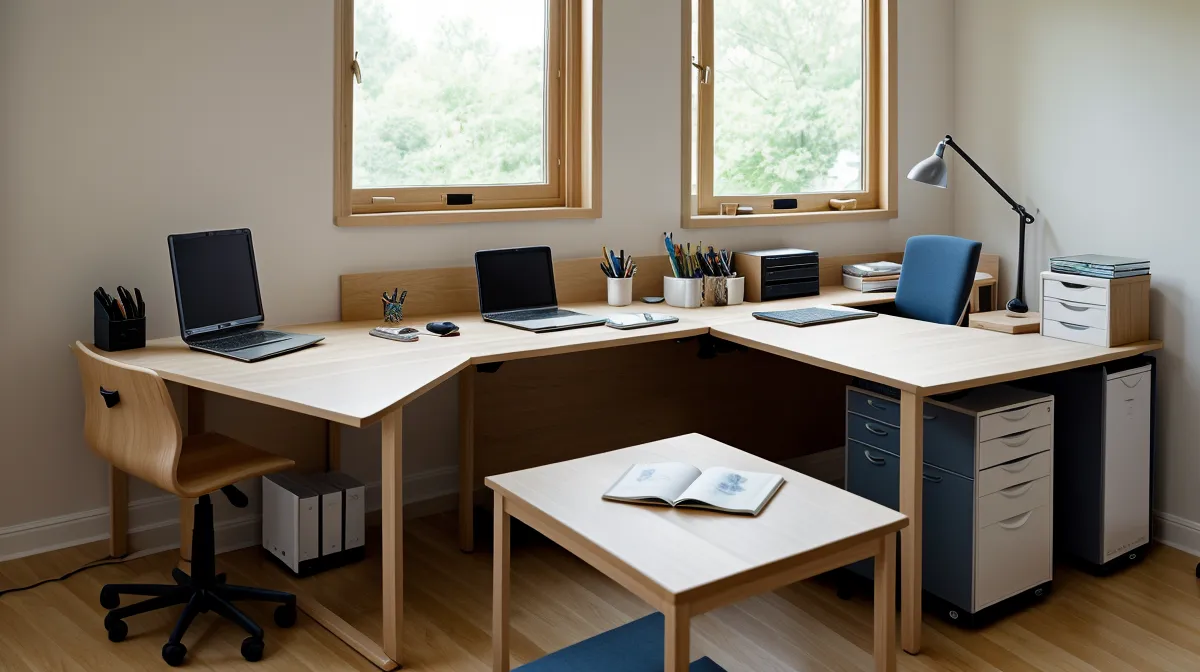
A headrest that fights you the moment you sit up straight, and the same cushion that solves your worst ache the second you lean back: that's the split most office-chair reviews skip when they talk about the Steelcase Gesture and chronic neck strain. Which side of that split your ergonomic seating puts you on depends entirely on how you actually work at your desk, not on how the chair gets marketed.
Quick disclosure up front: a few links below, including the one pointing at the Steelcase Gesture, are affiliate-tracked, and I earn a small commission if you buy through them at no extra cost to you. No paid placements, just gear I've actually sat in during real client workdays, judged on whether it holds up rather than how it photographs.
What a Headrest Is Actually Fighting
Lean forward over a keyboard long enough and the muscles at the base of the skull end up doing work they weren't built for: holding a head that's no longer balanced, just propped forward and held there by tension. That's the actual mechanical complaint behind the kind of knot people develop near the cervical vertebrae, and it's also exactly what a chair-mounted headrest is trying to interrupt.
Before testing the Gesture's version, the stopgap I leaned on was pharmaceutical, not ergonomic: ibuprofen most Thursdays and Fridays, timed to whatever shoulder tension had built up by the end of the week. It worked in the sense that the ache dulled for a few hours. It did nothing about the chair that was causing it in the first place, which is a distinction that took longer to admit than it should have.
Steelcase Gesture: Bolt-On Foam or a Factory-Integrated Hinge?
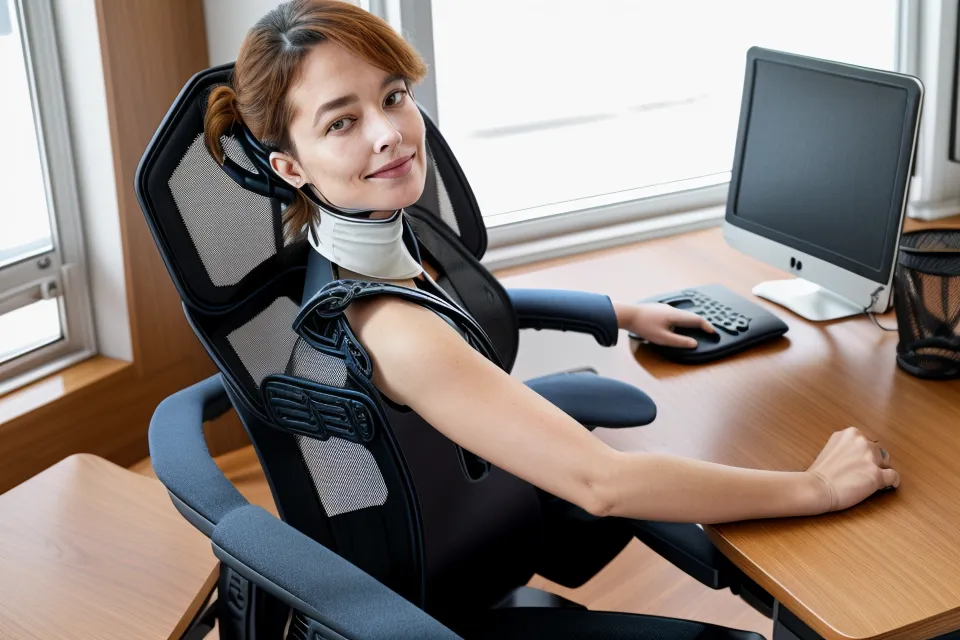
Clip-on neck pads solve the same problem on paper: strap a wedge of memory foam to any backrest and claim instant cervical support. In practice, the elastic bands slide, the foam compresses at an angle that pushes the head forward instead of cradling it, and the whole assembly starts smelling faintly of warm synthetic foam within a couple of weeks. That's the baseline the Steelcase Gesture's integrated headrest is actually competing against, not some idealized chiropractor's recommendation.
The hardware itself is genuinely well engineered. The neck piece rides a dual-motion hinge with about five inches of vertical travel and roughly ninety degrees of pivot, adjustable without knobs or levers; grip it with both hands, slide it along the spine, tilt the cradle forward or back. Settling it into a notch produces a small mechanical click, and it holds there under real weight instead of drifting loose, which matters more once you've watched a cheaper clip-on headrest wander out of position within a season. Steelcase backs the whole mechanism with a 12-year warranty, treating the headrest as core hardware rather than an accessory that's allowed to fail early: one of the more honest durability signals in this price bracket, next to how a brand actually handles things when something does go wrong.
How Long Does Finding the Right Setting Actually Take?
Dialing in that hinge isn't a thirty-second affair. Sliding the pad to touch the top of the neck, lowering it to meet the midcervical curve, swinging the angle to meet the head while typing: each position feels slightly different, and the one that feels right during a webinar isn't the one that feels right during a sprint of typing. Anyone who's spent time comparing high-end task chairs, including in our Herman Miller Mirra 2 Review: The Best Ergonomic Chair for Posture, already knows this pattern: expensive seating rewards patience before it rewards your back.
Sit Bolt Upright, and the Headrest Works Against You
Here's the case against the headrest, stated plainly. Sit fully upright, the default posture for fast typing, and the cushion's forward-protruding shape makes contact with the back of the skull before the upper back has settled into the chair. To keep the eyes level with the monitor from that position, the neck has to flex slightly forward, which is the same pattern more commonly known as forward head posture. A firm pad nudging the skull forward while the fingers are moving fast across a keyboard is close to the opposite of what a tight neck actually needs.
None of this is medical advice, and it isn't meant to be; persistent neck pain, tingling, or anything radiating down an arm is a reason to talk to a physician or a licensed physical therapist, not a reason to keep adjusting a chair. Judged purely on everyday comfort, though, the upright-typing case is the one scenario where this particular headrest earns its skepticism.
Lean Back, and the Same Cushion Becomes the Fix
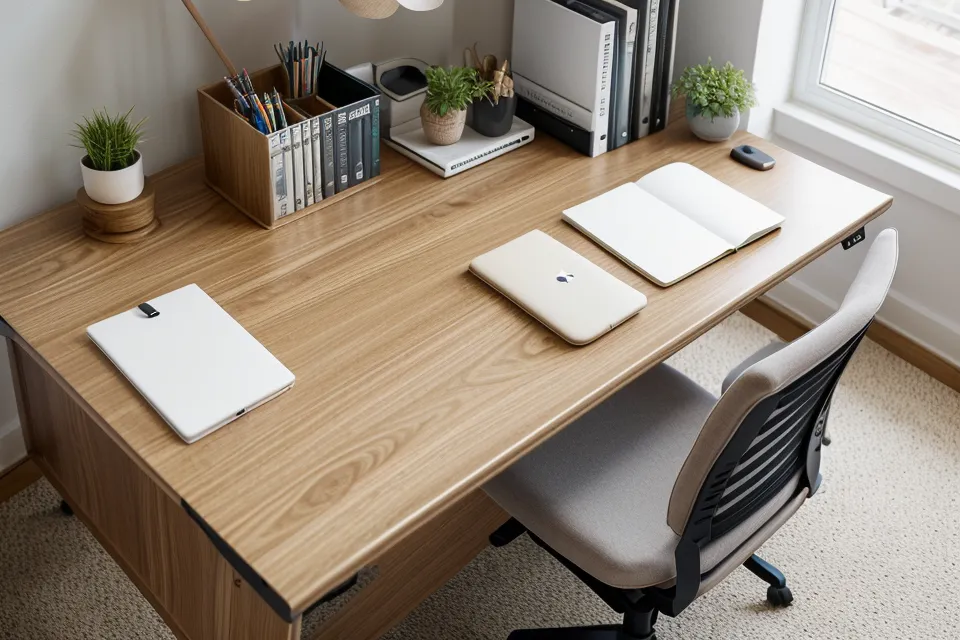
Tip the same chair into a deeper recline, past a hundred degrees or so with backrest tension loosened off a couple of turns, and the geometry flips. The forward tilt that caused trouble upright turns into a cradle the moment the torso opens up behind it. Resting the skull against it during a call or a long read eases the dull ache along the upper shoulder ridge within minutes, because the mechanism was never built to prop the head up over a keyboard; it's built to catch the weight of the head when someone leans back to think.
That fabric wrapping the headrest also runs warmer against the skin than an open mesh weave would, noticeably so by the second hour of back-to-back calls in a room without great airflow. It never crosses into uncomfortable, but it's a real trade-off against the ventilation a mesh-backed chair offers instead.
The clearest proof of the recline fix showed up somewhere unrelated to the neck entirely. Standing up from a video call for coffee one afternoon, there was a reflexive moment of checking: no stiffness in the lower back at all, not even the dull pull that used to show up by the end of a long sit. The backrest had solved that part first, well ahead of the neck catching up, which says something about not expecting one piece of hardware to fix every ache on the same schedule.
Recline that far back and the armrests matter just as much as the headrest. On the Gesture, they pivot inward and backward along with the torso, so arms holding a tablet or phone stay supported instead of rolling forward and undoing whatever relief the neck just got. For a lighter alternative built around a completely different idea, flexing the backrest itself instead of adding a headrest, our Steelcase Think Review: A High Performance Chair for Remote Workers is worth a look; it's solving a related ache with different hardware entirely.
Should You Skip the Headrest Option?
Three kinds of buyers should think twice before paying for this configuration. Anyone who sits bolt upright through the entire day without reclining to read, call, or think will mostly feel the headrest as an obstruction rather than a feature; the forward-tilt problem from earlier never gets the chance to flip into a benefit. Budget-conscious shoppers should also factor in that adding the factory headrest bumps the base chair's cost noticeably; current pricing and fabric options are worth checking directly on the manufacturer's page rather than trusting a number repeated secondhand. And anyone who already owns a standard Gesture without the headrest is out of luck retroactively; it isn't a bolt-on part, so the better move is usually looking at general setup upgrades instead, like the ones covered in our Best Steelcase Leap V2 Accessories to Improve Your Ergonomic Setup.
Worth setting side by side here: the Herman Miller Aeron, the other chair most people cross-shop against the Gesture, doesn't offer a headrest on its standard build at all. That's a non-issue for someone who never reclines during the workday. It's a real gap for anyone who takes calls leaned back, no matter how well the Aeron's lumbar support or mesh breathability performs everywhere else; seat comfort and neck support aren't the same axis, and it's easy to compare two chairs on the wrong one.
The Trade-Off, Spelled Out
None of this makes the headrest universally good or universally bad; it makes it conditional, which is a less exciting conclusion than most marketing copy wants to give it. Choose the headrest when the workday actually includes real recline time: calls, reading, thinking, anything where leaning back is normal rather than rare. Skip it when the job is mostly heads-down typing in an upright position for hours at a stretch, because that's precisely the posture where the forward tilt turns into the problem it was designed to solve somewhere else.
For anyone whose actual workday already swings between both postures, checking the headrest configuration on the Steelcase Gesture is worth the extra look; it solves a specific, recline-dependent problem that aftermarket foam wedges were never built to solve. Just go in with the right expectation: it's a cradle for when the body opens up, not a prop for when it doesn't.